Evaluating the Premier Smart TV IPTV Players for American Viewers
Over 88% of American households currently own at least one Smart TV. As cord-cutting reaches historic heights across the United States, television viewers are seeking streamlined methods to access live sports, prime-time networks, and on-demand movies directly through their television screens without cluttering media consoles with external set-top boxes, HDMI splitters, and redundant remote controls.
However, running high-bandwidth IPTV streams directly on Smart TV operating systems—such as Samsung Tizen OS, LG webOS, and Sony Google TV—presents distinct technological demands. Smart TV processors have limited memory and thermal envelopes compared to dedicated gaming consoles or PCs. Choosing an inefficient application leads to sluggish remote navigation, dropped video frames during live sports, and delayed EPG schedule loading. In this 2026 guide, our senior broadcast engineers test and rank the best IPTV applications available for Smart TVs in the USA.
1. HOT Player: The Preferred Choice for Samsung & LG Smart TVs
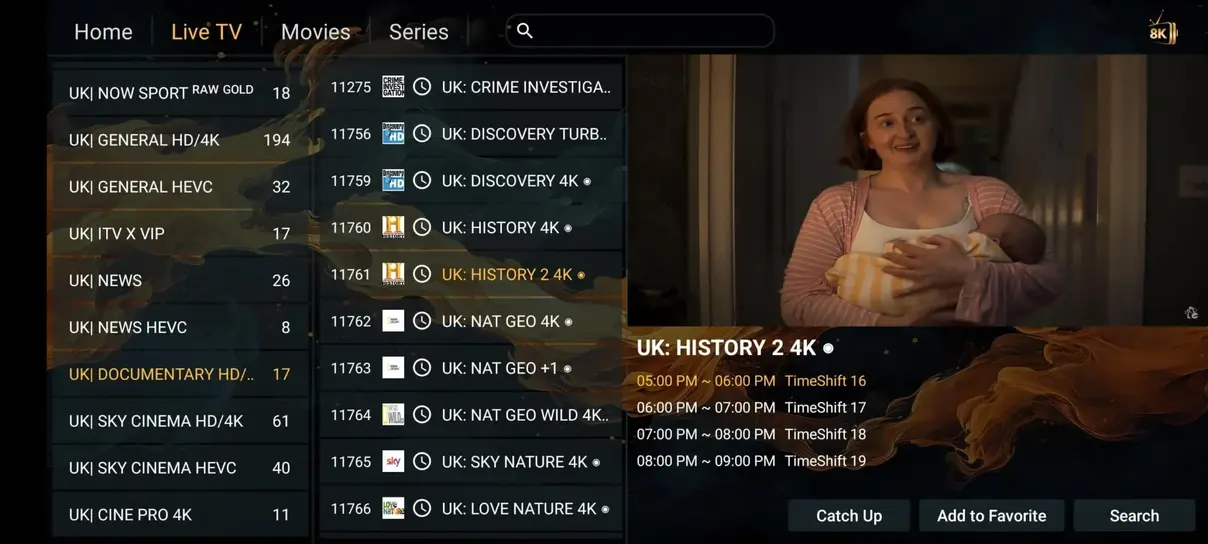
For owners of Samsung and LG televisions, HOT Player has established itself as the leading native streaming application. Available directly in both the Samsung Smart Hub and LG Content Store, HOT Player avoids the complicated developer mode sideloading required by older apps.
Key Strengths of HOT Player:
- Web-Based Device Linking: Launching HOT Player displays your TV's unique MAC address and security key. By visiting their upload portal on your phone or laptop, you can paste your Brampton IPTV subscription M3U link, which instantly maps the playlist to your television.
- Hardware-Accelerated Decoding: HOT Player taps directly into the hardware video decoders on modern OLED and QLED panels, ensuring that 4K 60FPS sports broadcasts stream with zero dropped frames.
- Automated Category Grouping: Automatically sorts live sports, US entertainment, and VOD cinema into clean, expandable side-drawer folders.
2. TiviMate: The Undisputed King of Sony & Google TV
If your Smart TV runs Google TV or Android TV (such as Sony Bravia, TCL Google TV, or Hisense Android TV), TiviMate is the single finest IPTV application ever developed. TiviMate delivers an interface that rivals and surpasses high-end commercial satellite receivers.
Standout Features of TiviMate:
- Lightning-Fast Channel Switching: Channels tune in under 350 milliseconds thanks to aggressive network pre-buffering.
- Visual Multi-View: Watch up to 9 live sports feeds on screen simultaneously—ideal for tracking multiple NFL games or college football matchups on Saturday afternoons.
- Comprehensive EPG Customization: Search program schedules, assign custom channel numbers, and reorder bouquets according to your household viewing preferences.
3. IPTV Smarters Pro: The Trusted Universal Standard
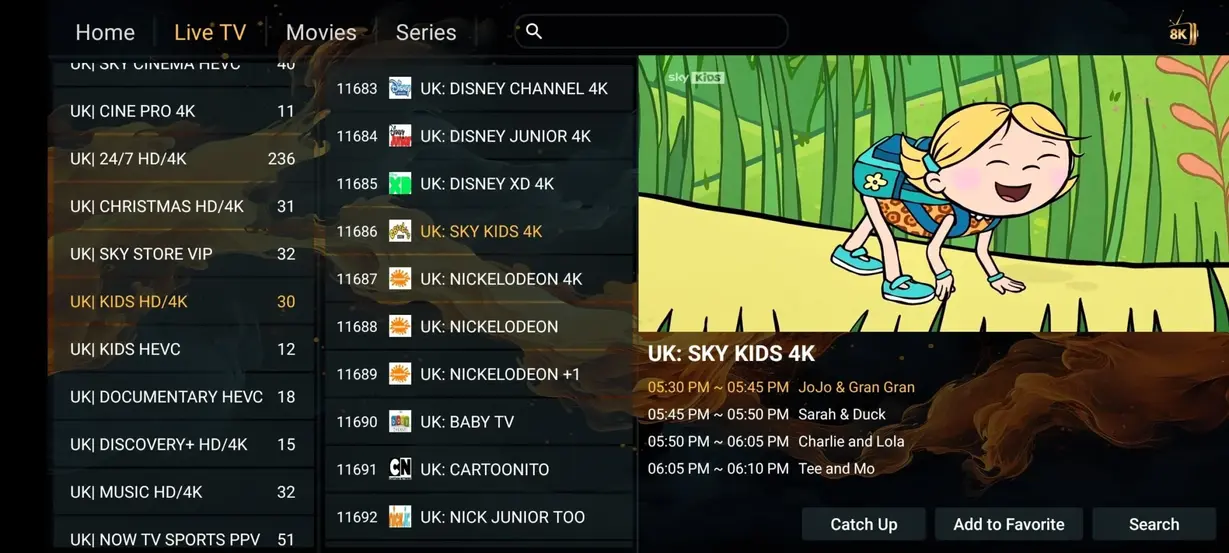
IPTV Smarters Pro remains one of the most widely recognized media players globally. Compatible with virtually every operating system, Smarters Pro offers a clean, tile-based dashboard that separates Live TV, Movies, Series, and Catch-Up into distinct hubs. It features integrated parental controls, multiple playlist management, and built-in subtitle customization.
4. IBO Player: Lightweight Simplicity for Entry-Level TVs
For budget-friendly Smart TVs with modest internal processors, heavy applications can cause sluggish navigation. IBO Player strips away heavy background animations to prioritize pure operational speed. EPG data renders instantaneously, and channel lists scroll smoothly without memory leaks.
Recommended Setup Procedures
Configuring an IPTV application on your Smart TV takes less than five minutes when following our verified procedures. To read complete step-by-step instructions tailored to your specific TV brand, visit our Complete Installation Guide.
In-Depth Comparison: Remote Navigation & Hardware Acceleration
A critical consideration often overlooked when selecting Smart TV streaming applications is how effectively the player maps to traditional television remote controls. While mobile-first applications force users to struggle with awkward on-screen virtual mouse pointers, dedicated Smart TV applications like HOT Player and TiviMate utilize native D-pad navigation. Clicking Up or Down cycles through live channel bouquets, Left opens the full categorized side-panel, and Right launches the interactive EPG schedule timeline.
Managing RAM Constraints on Samsung & LG Televisions
Smart TVs prioritize picture processing algorithms over application RAM allocation. Most modern televisions dedicate less than 1.5GB of RAM to running third-party software. If an IPTV player suffers from memory leaks or attempts to cache too many hours of EPG guide data simultaneously, the television operating system may forcibly shut down the application mid-broadcast. Both HOT Player and IBO Player utilize incremental memory garbage collection routines, ensuring that prolonged 6-hour sports viewing sessions run with zero app crashes or sluggishness.
Audio Codec Compatibility on Smart TV Sound Systems
When streaming through built-in television speakers, AAC and stereo PCM audio downmixing is handled automatically. However, when connecting to a premium Sonos, Bose, or Samsung soundbar system via HDMI eARC, you should configure your IPTV player to enable bitstream audio passthrough. This allows the external soundbar to decode native 5.1 surround sound audio tracks for live sports broadcasts and VOD movies without introducing lip-sync lag.
Frequently Asked Questions About Smart TV IPTV Players
TiviMate is developed exclusively for Android TV and Fire OS architectures, meaning it cannot be installed directly on Samsung Tizen or LG webOS. For Samsung and LG televisions, HOT Player or IBO Player provides the closest equivalent interface and performance.
Ensure your television is connected to the 5GHz frequency band of your home router or connected directly with an Ethernet cable. Additionally, turn off 'Eco Mode' or 'Energy Saving' in your TV settings to prevent the network card from sleeping during playback.
Ready to Transform Your Smart TV Viewing Experience?
Pair your preferred Smart TV player with Brampton IPTV's high-speed servers for 35.000+ live channels, 142.000+ VOD movies, and zero buffering.